How do I edit my published comments?
Written By Alvin
Last updated About 2 months ago
Mistakes can happen, therefore we made it easy for our clients to edit their published comments. While it’s not’s guaranteed to get the comment modified, we will still give our best to get the comment modified.
To modify your exisiting comment:
Go to Track Tasks → Find your Comment / Post task → Scroll to the end (right of the task row) → Request edit.
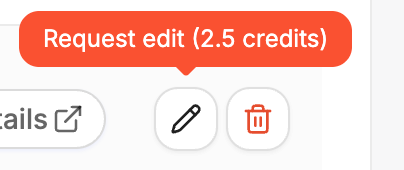
Bear in mind that we will charge 2.5 credits for every comment editing.
NB! Editing comments can trigger your comments to go back to In Review and In Queue status which could be removed by automod or by actual mods
Was this helpful?
Still need help? Ask the team