How Do I Cancel a Task I Just Submitted?
Written By Engain io
Last updated 7 months ago
It depends on how you submitted the task.
If you scheduled the task for later:
You can cancel it as long as there are more than 5 minutes remaining before the scheduled posting time. Once the task is within 5 minutes of its scheduled time, it enters the processing queue and can no longer be cancelled.
If you’re still eligible to cancel your task, you can do it by clicking on the X button

If you submitted the task for immediate publishing:
There is no way to cancel it. Once a task is submitted for immediate publishing, it is processed and fulfilled right away.
What if I need a comment or post deleted after it was already published?
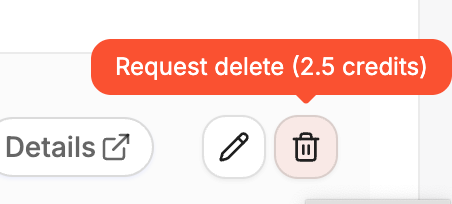
If you want us to delete a specific comment or post that was already published, go to track tasks, scroll to the right side of the task until you will find the trash icon, then you can delete it from there. But bear in mind deleting comments will also cost you credits.