How to Topup Your Credit Balance?
Written By Engain io
Last updated 7 months ago
You can top up your credit balance at any time directly from your dashboard. Here's how:

Click on your credit balance shown in the top right corner of your dashboard
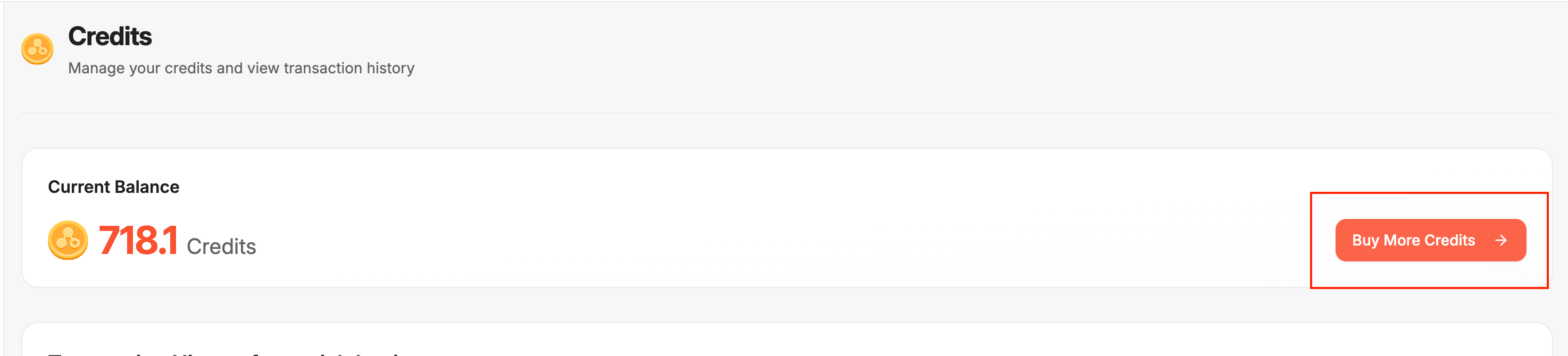
You'll see your Current Balance and a "Buy More Credits" button. Click it.
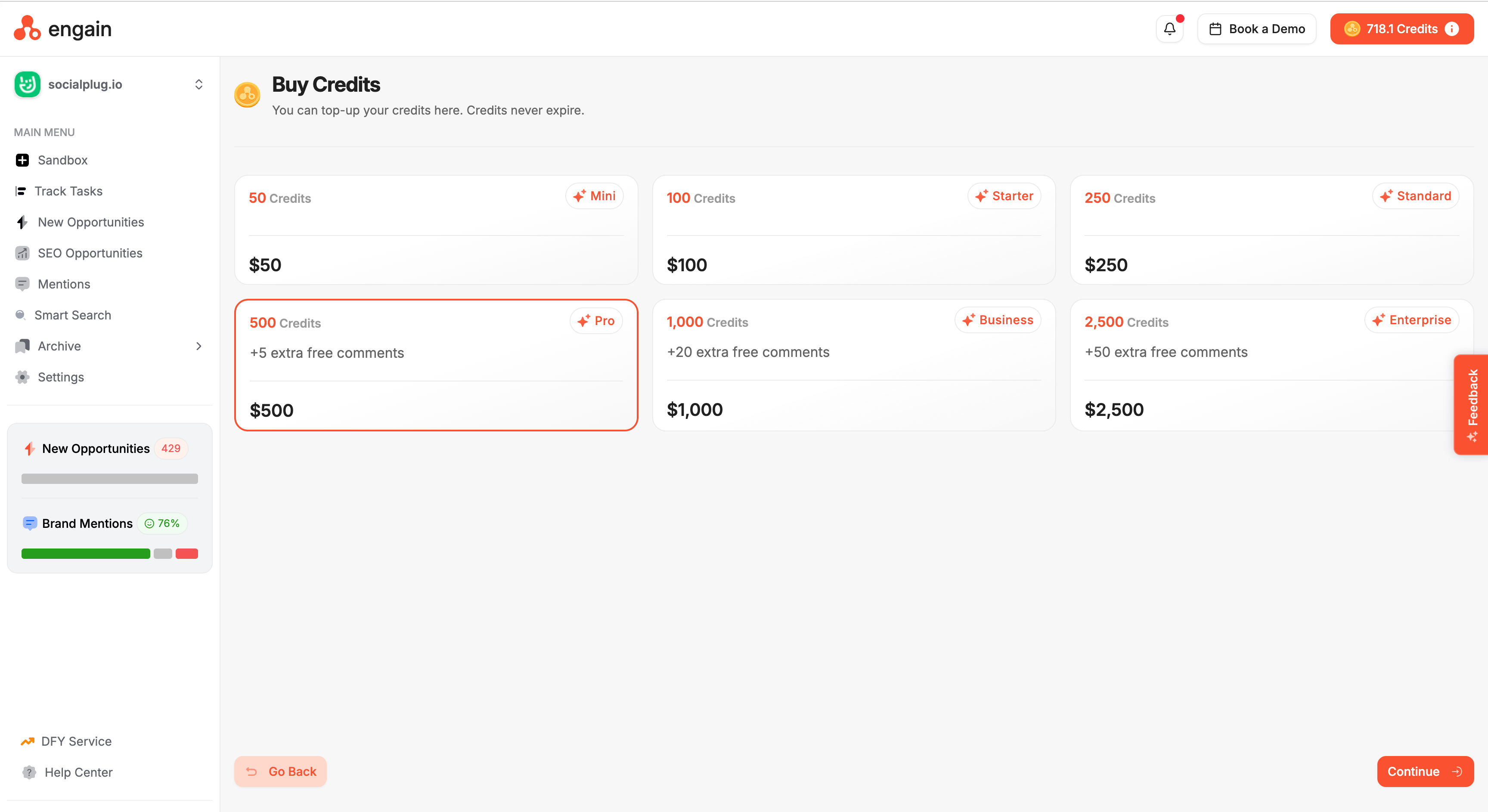
Choose from the available credit packages
Select the package you want and click Continue to complete your purchase
Your credits will be added to your balance instantly. Credits never expire and will roll over to the next month if unused.
Tip: Larger credit packages come with bonus free comments on top of the credits, so you get more value the bigger the package you choose.