How do I change my password?
Written By Engain
Last updated 11 months ago
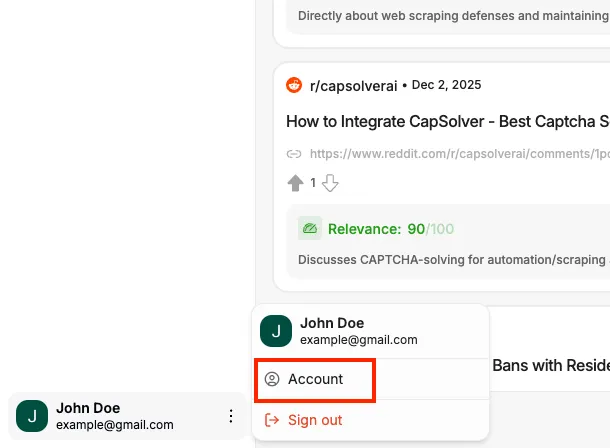
Click your profile icon in the bottom-left
Click Account
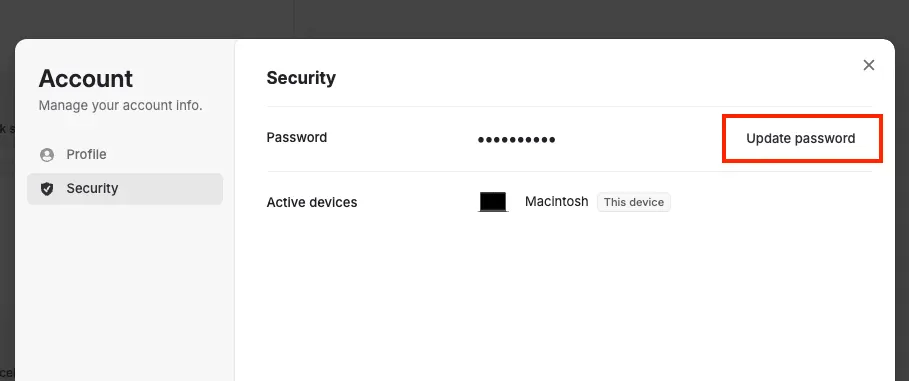
In the pop-up, go to Security
Click Update password
Was this helpful?
Still need help? Ask the team
Written By Engain
Last updated 11 months ago
Click your profile icon in the bottom-left
Click Account
In the pop-up, go to Security
Click Update password
Was this helpful?
Still need help? Ask the team